Installation
Installation
Prerequisites
- you will need NodeJS installed, version 18 or higher
- COLF.IO 0.4.0+ requires PixiJS 8 (
pixi.js >= 8.0.0)
Creating a PIXI project
- in your empty directory, initialize a new project by typing
npm init - install ParcelJS bundler by typing
npm install --save-dev parcel- note: we use Parcel for our examples, but you can use any bundling tool of your choosing (Webpack or Vite)!
- install PixiJS library by typing
npm install pixi.js@^8- note: Pixi 8 uses the built-in
AssetsAPI — do not install@pixi/loaders(removed / unused for this stack)
- note: Pixi 8 uses the built-in
- your
package.jsonshould look like this (the version numbers can differ):
{
  "name": "my-project",
  "version": "1.0.0",
  "description": "",
  "main": "index.js",
  "scripts": {
    "test": "echo \"Error: no test specified\" && exit 1"
  },
  "author": "",
  "license": "ISC",
  "devDependencies": {
    "parcel": "^2.16.0"
  },
  "dependencies": {
    "pixi.js": "^8.20.1"
  }
}
- install a plugin for copying static files during hot-reload:
npm install -D parcel-reporter-static-files-copy - create a
staticdirectory in the root folder of your project - create a file
.parcelrcin the root folder of your project and add the following statement (the...must be there, indeed):
{
  "extends": ["@parcel/config-default"],
  "reporters":  ["...", "parcel-reporter-static-files-copy"]
}
get a picture and copy it into your static folder (e.g. creature.png)

Installing COLFIO library
- install COLFIO library by typing
npm install colfio@^0.4.0 - create two folders:
srcandview - create a file
index.htmlin yourviewfolder with the following content:- this file will be referencing our script file
<!doctype html>
<html>

<head>
    <meta content="text/html;charset=utf-8" http-equiv="Content-Type">
    <meta content="utf-8" http-equiv="encoding">
    <title>My project</title>
</head>
<style type="text/css">
    body {
        background-color: black;
    }
</style>

<body>
    <canvas id="gameCanvas"></canvas>
    <script type="module" src="../src/my-game.ts"></script>
</body>

</html>
- create a file
my-game.tsin yoursrcfolder with the following content:
import * as CF from 'colfio';
import * as PIXI from 'pixi.js';

class MyGame {
    engine: CF.Engine;

    constructor() {
        void this.bootstrap();
    }

    async bootstrap() {
        this.engine = new CF.Engine();
        const canvas = document.getElementById('gameCanvas') as HTMLCanvasElement;

        // Engine.init is async (Pixi 8 Application.init)
        await this.engine.init(canvas, {
            resizeToScreen: true,
            width: 800,
            height: 600,
            resolution: 1,
        });

        // Pixi Assets replaces the old Application.loader / @pixi/loaders
        await PIXI.Assets.load('creature.png');
        this.onAssetsLoaded();
    }

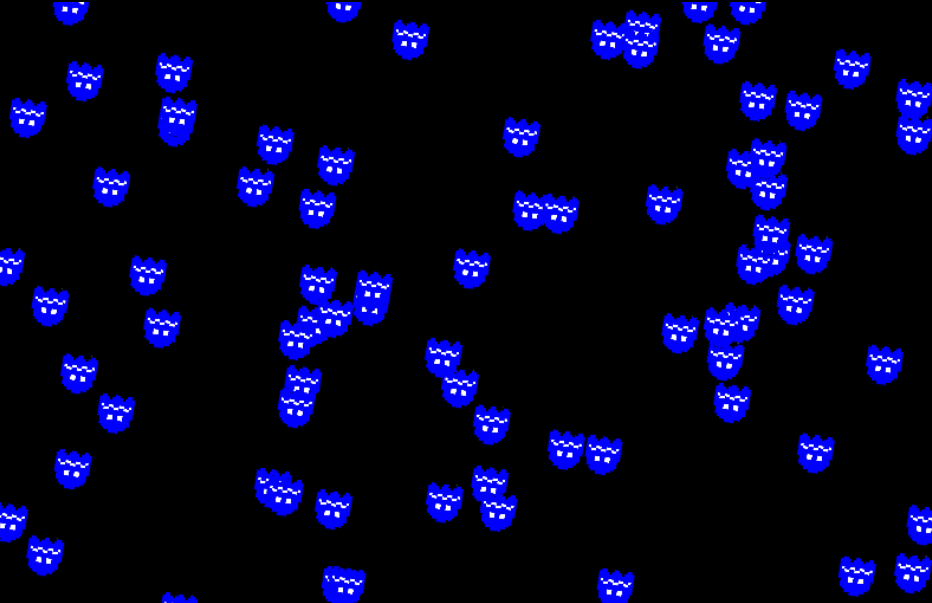
    onAssetsLoaded() {
        const scene = this.engine.scene!;

        // a little hack that generates a loop with 100 runs
        Array(100).fill(0, 0, 100).forEach(() => {
            new CF.Builder(scene)
                // random position anywhere in the scene
                .localPos(
                    Math.random() * this.engine.app!.screen.width,
                    Math.random() * this.engine.app!.screen.height,
                )
                .anchor(0.5)
                .scale(0.15)
                .withParent(scene.stage)
                // create a functional component that will increase the rotation every single frame
                .withComponent(new CF.FuncComponent('rotationAnim')
                    .doOnUpdate((cmp, delta, absolute) => cmp.owner!.rotation += 0.001 * delta))
                .asSprite(PIXI.Texture.from('creature.png'))
                .build();
        });
    }
}

// this will create a new instance as soon as this file is loaded
export default new MyGame();
- the very last thing would be to create a script that will make parcel build and run the project. Edit the
package.jsonfile and replace the currentscriptssection with this one:
  "scripts": {
    "dev": "parcel view/index.html",
    "build": "parcel build view/index.html"
  },
npm run devwill run a development server. You can now navigate to the urlhttp://localhost:1234/index.htmlto see the examplenpm run buildwill build your project into thedistdirectory